Jit Co., Ltd.
 Japanese
 English
 Chinese (Simplified)
 Chinese (Traditional)
 Japanese
 French
 German
 Indonesian
 Italian
 Korean
 Malay
 Portuguese
 Spanish
 Thai
- Home
- customer support
- How to use AI chatbot
How to use AI chatbotCHATBOT
Our AI will answer your questions and concerns!
Please select the type of problem you are experiencing and contact us for assistance.
We will explain how to use Jit's help AI chatbot.
Example of "receipt of defects"I will explain how to operate it.
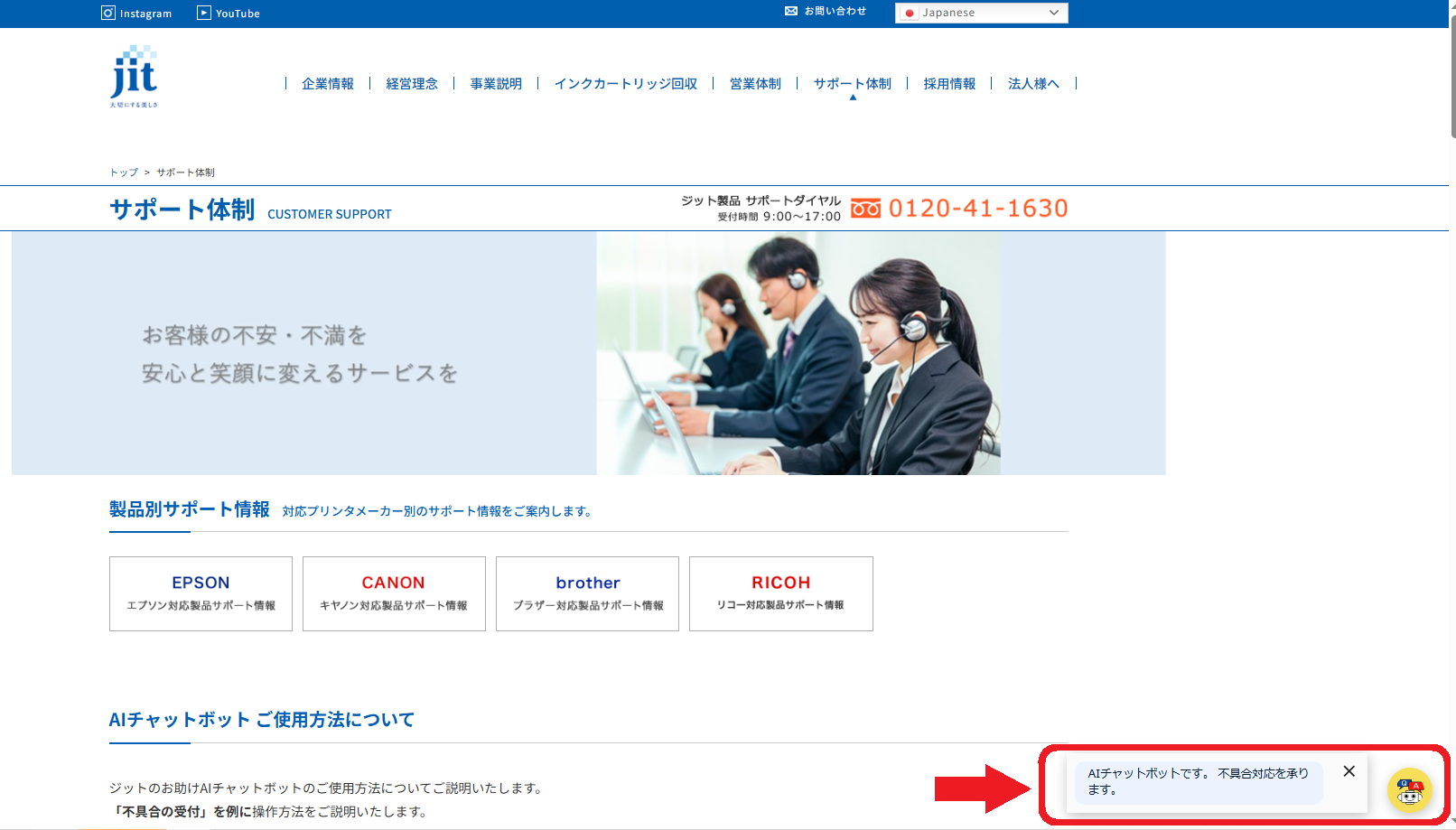
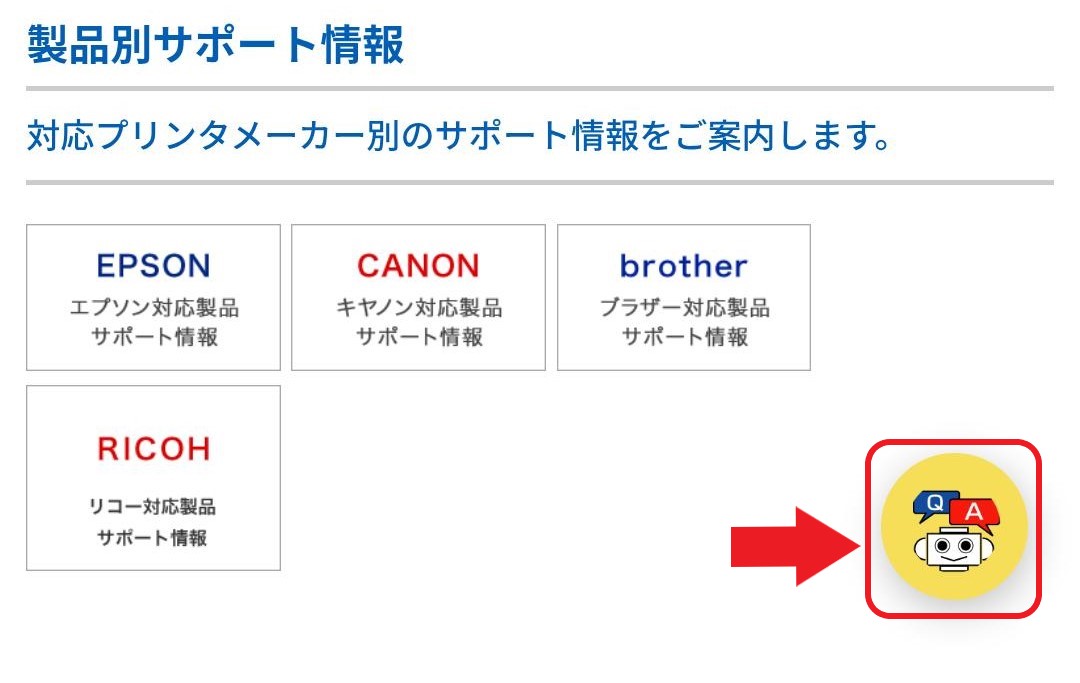
[First step: The AI chatbot icon can be found here!]
- For PC
- displayed in the lower right corner of the computer screen.
Can be used from any page
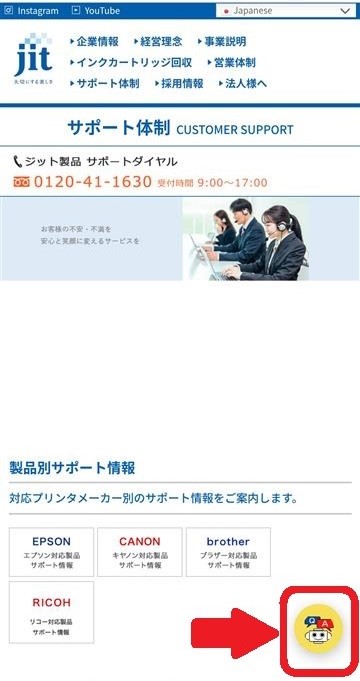
- Smartphone
- displayed in the lower right corner of the smartphone screen.
Can be used from any page
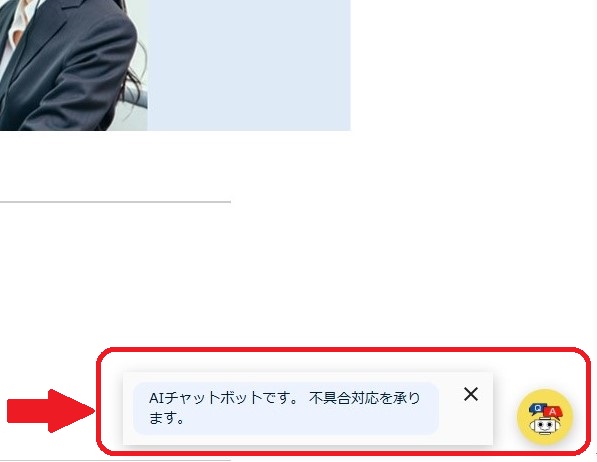
[Introduction ② Let's start the chatbot! ]
- For PC
- Please click the text part of the icon to start
- Smartphone
- Please press the icon to start
Explanation of how to operate the AI chatbot -Take "receipt of defects" as an example-
-
STEP1

① Start the chatbot and select "About bugs".
-
STEP2

(XNUMX) Reconfirm that the ink is compatible with your printer.
-
STEP3
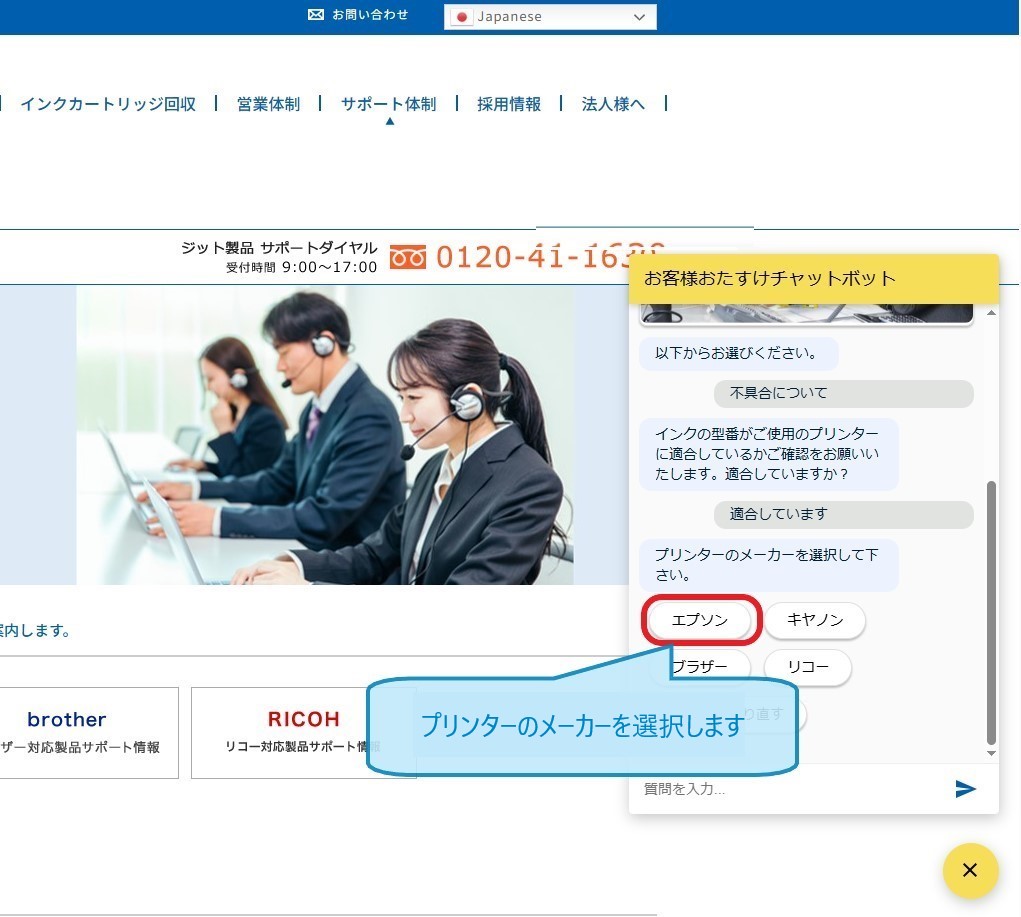
(XNUMX) Select the printer manufacturer.
-
STEP4

④ Select the ink model number.
-
STEP5
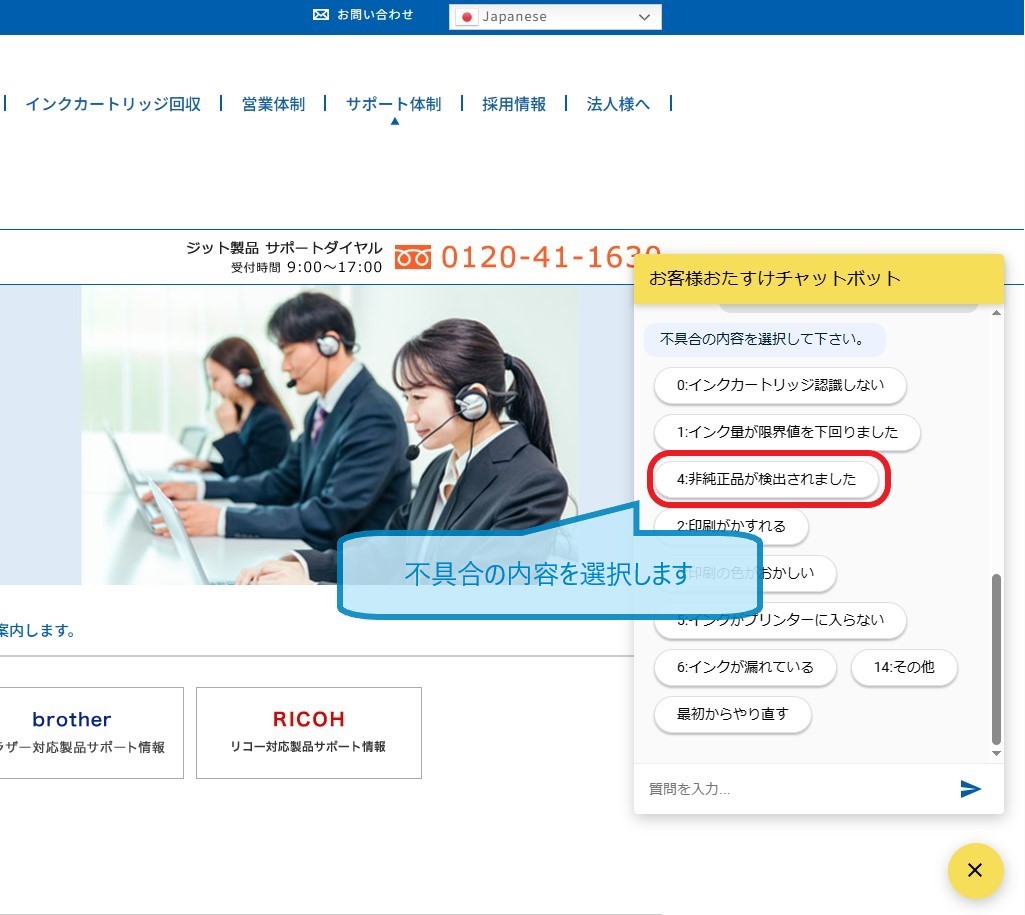
⑤ Select the content of the problem.
-
STEP6

⑥ I will show you how to solve it.
Follow the instructions to operate the printer.
The explanation of AI chatbot is over.
I'm still learning AI, so I may not be able to respond.Please note.
If you do not receive a satisfactory answer, please contact JIT Customer Service.
[JIT Customer Service Center] 0120-41-1630
Reception hours: 9:00 AM - 17:00 PM. We are open on weekends and holidays!